XP247
ENUSD
Converted prices are estimates. Your payment provider shows the final currency and total before you pay.
Menu
ENUSD
Converted prices are estimates. Your payment provider shows the final currency and total before you pay.
FC 27 PLATFORM GUIDE

PlayStation, Xbox or PC?

FC 27 Coins are listed separately by platform on XP247. Here is what to check before choosing a product and why the platform selection matters.

FC 27 Coins3 platforms4 min read
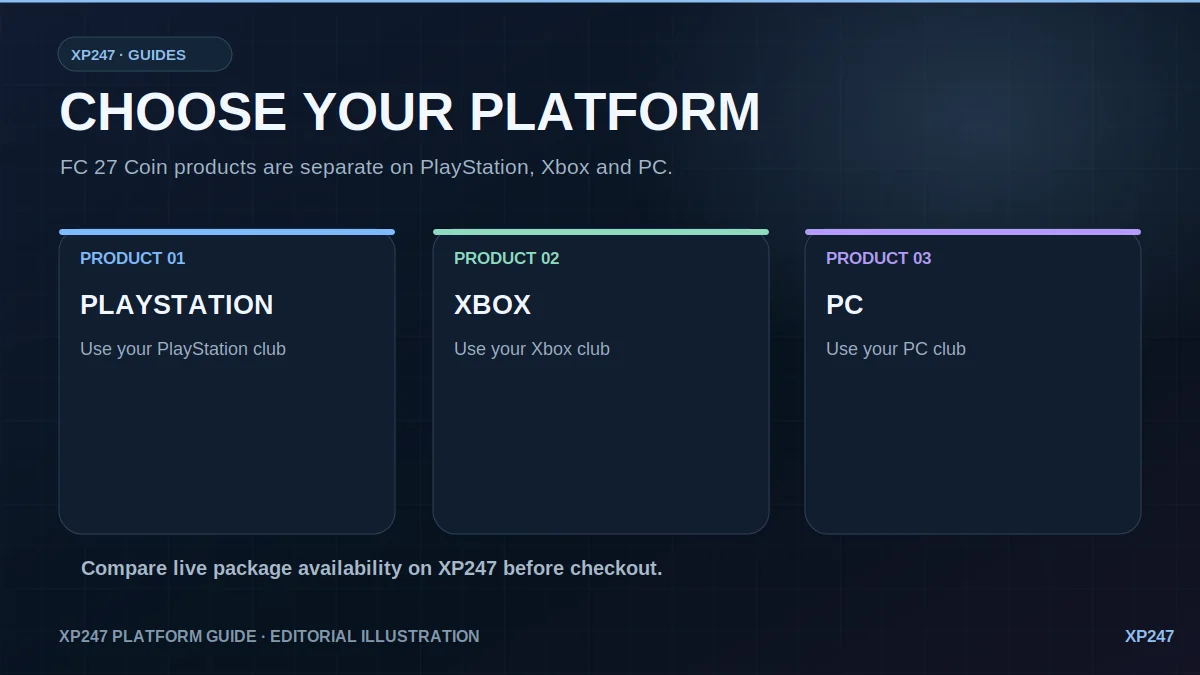
XP247 infographic showing distinct FC 27 coin products for PlayStation Xbox and PC
XP247's three platform categories, illustrated without example prices because live package availability changes.Image credit: XP247 original editorial diagram ·

Why XP247 separates each platform

PlayStation, Xbox and PC are separate products because the account being delivered, supplier availability and current package pricing need to match the correct platform. Choosing the wrong one can stop an order from validating correctly.

The amount options and current price you see can also change independently by platform as market and supplier conditions change.

Platform comparison

PlayStationChoose this when the EA account receiving the Coins is the PlayStation account you intend to use in FC 27.
XboxChoose the Xbox product when the EA account and Ultimate Team Club you want delivered are being used on Xbox.
PCPC is its own product and should not be ordered through a console listing. Check the platform carefully before checkout.

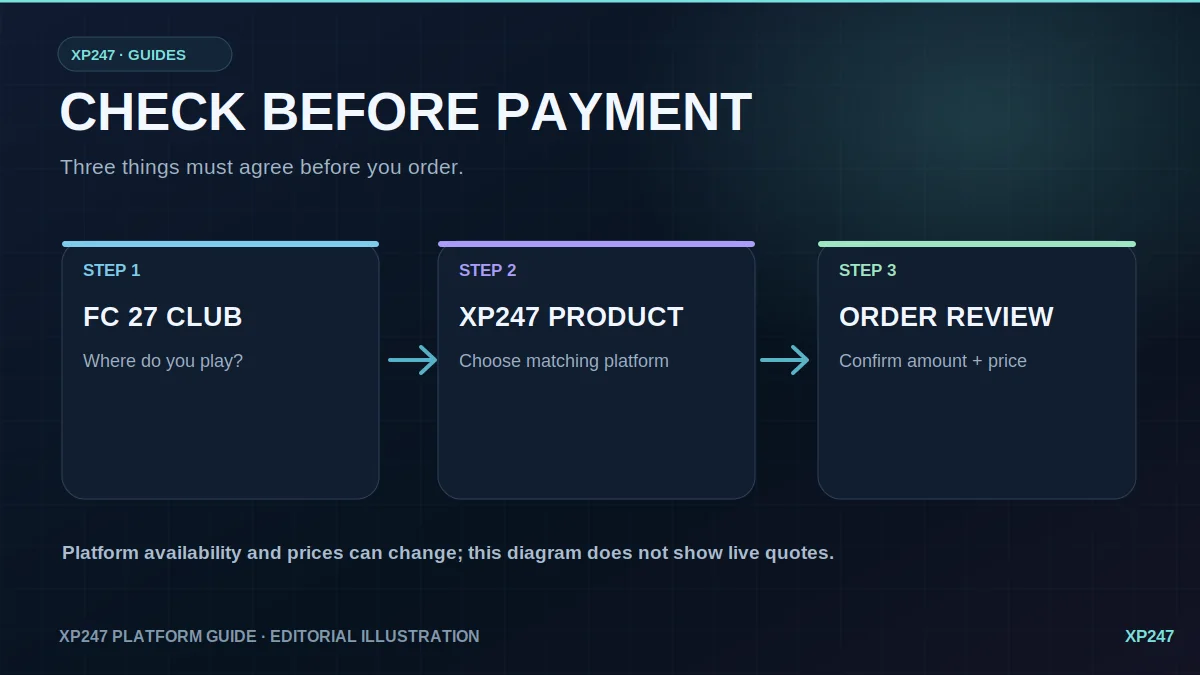
How to choose the right product

Diagram reminding customers to match FC 27 club platform with XP247 product before reviewing an order
Check your club's platform, choose the corresponding XP247 product, then confirm the amount and displayed price.Image credit: XP247 original editorial diagram ·
01
Check where you play FC 27

Use the platform tied to the Ultimate Team Club that should receive the Coins.

02
Open the matching XP247 product

PlayStation, Xbox and PC each have a dedicated FC 27 Coin page and platform-specific order selection.

03
Review current availability

Choose from the amounts currently shown for that platform rather than assuming every amount is available everywhere.

04
Check the order before payment

Confirm platform, Coin amount and displayed price before continuing to checkout.

Go straight to your platform

Before starting a transfer

Whichever platform you choose, check that the correct EA account is linked, that Transfer Market access is available, and that you can provide the account information requested during validation.

XP247 is not endorsed by or affiliated with EA or its licensors. Illustrative diagrams are not screenshots of account or order activity.

CHOOSE YOUR PLATFORM

Browse current FC 27 Coin packages.

See live product availability for PlayStation, Xbox and PC in one place.

View FC 27 Coins